Work / Collaborative Platform / Tablet-first
Shared Canvas
What happens when an artist and a biologist draw on the same surface? Shared Canvas is a cooperative online platform built on the bet that heterogeneous groups produce results neither could alone, if the interface gets out of their way.
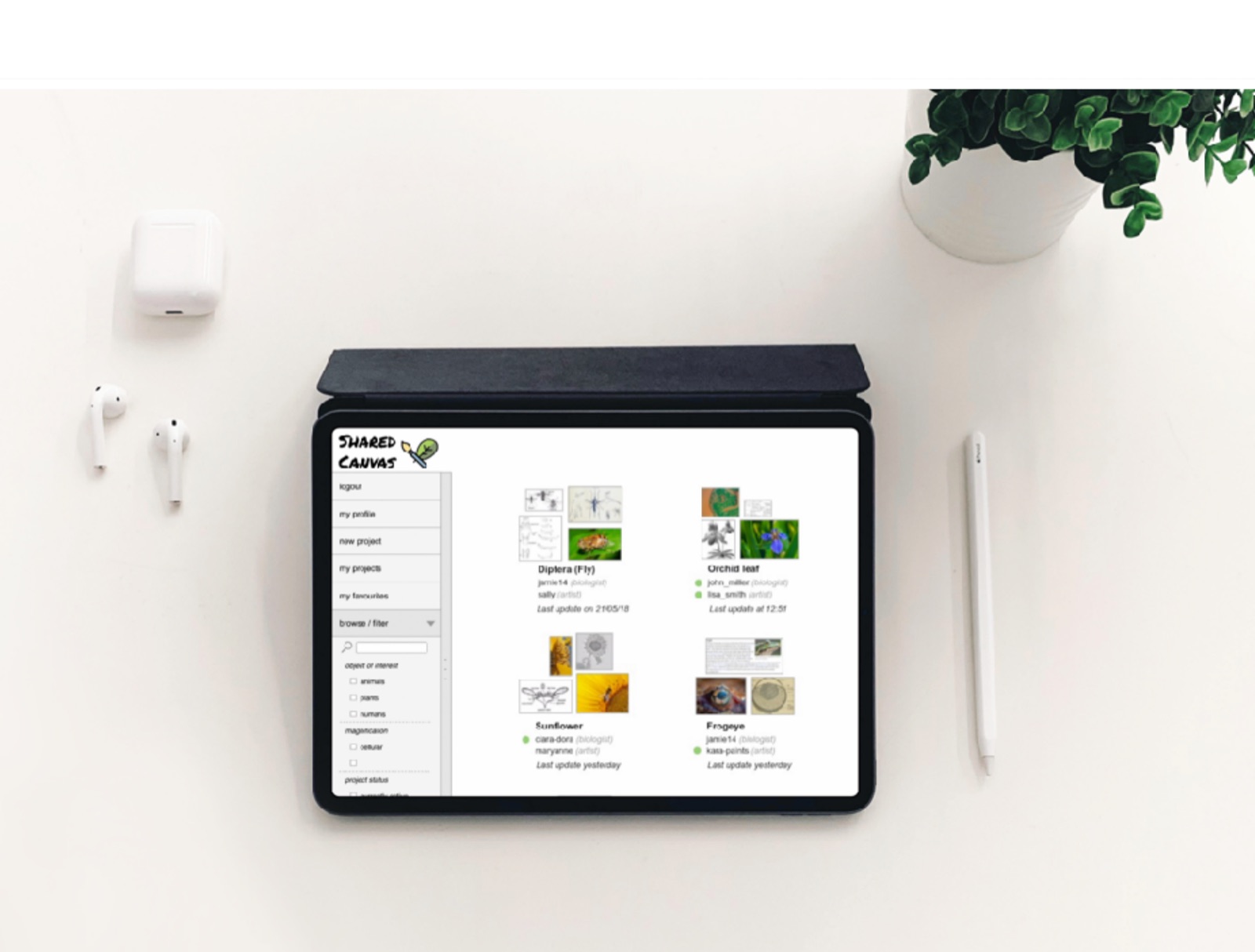
Two disciplines, one surface
Artists and biologists look at the same specimen and see different things, that’s exactly the value. Bringing such heterogeneous groups together can yield great results, but their tools don’t overlap: one lives in sketchbooks, the other in lab software. Shared Canvas had to be neutral ground both would accept.
Paper prototypes in the usability lab
Design case studies were conducted through interviews, usability testing, and prototyping. The challenging choice: running paper prototypes inside formal usability tests. Simulating a collaborative digital canvas with paper is awkward, but it made user behavior legible before a line of code existed, and it surfaced how differently the two groups approached the same board.
- Interviews with both communities established vocabulary and expectations.
- Paper prototyping let us test collaboration patterns cheaply and early.
- Usability tests revealed the tablet + stylus as the natural home: drawing is the preferred way to interact.
Paper prototyping a digital canvas felt like the wrong tool, until it showed us things no clickable mock-up could.process reflection
UI that moves like drawing feels
I designed and animated the UI of the application. The motion design wasn’t decoration: in a shared space, animation is how you understand what your collaborator just did. Building Shared Canvas also taught us it could live on many devices, though it works best on a tablet, where the stylus gives drawing the flexibility it deserves.